Components
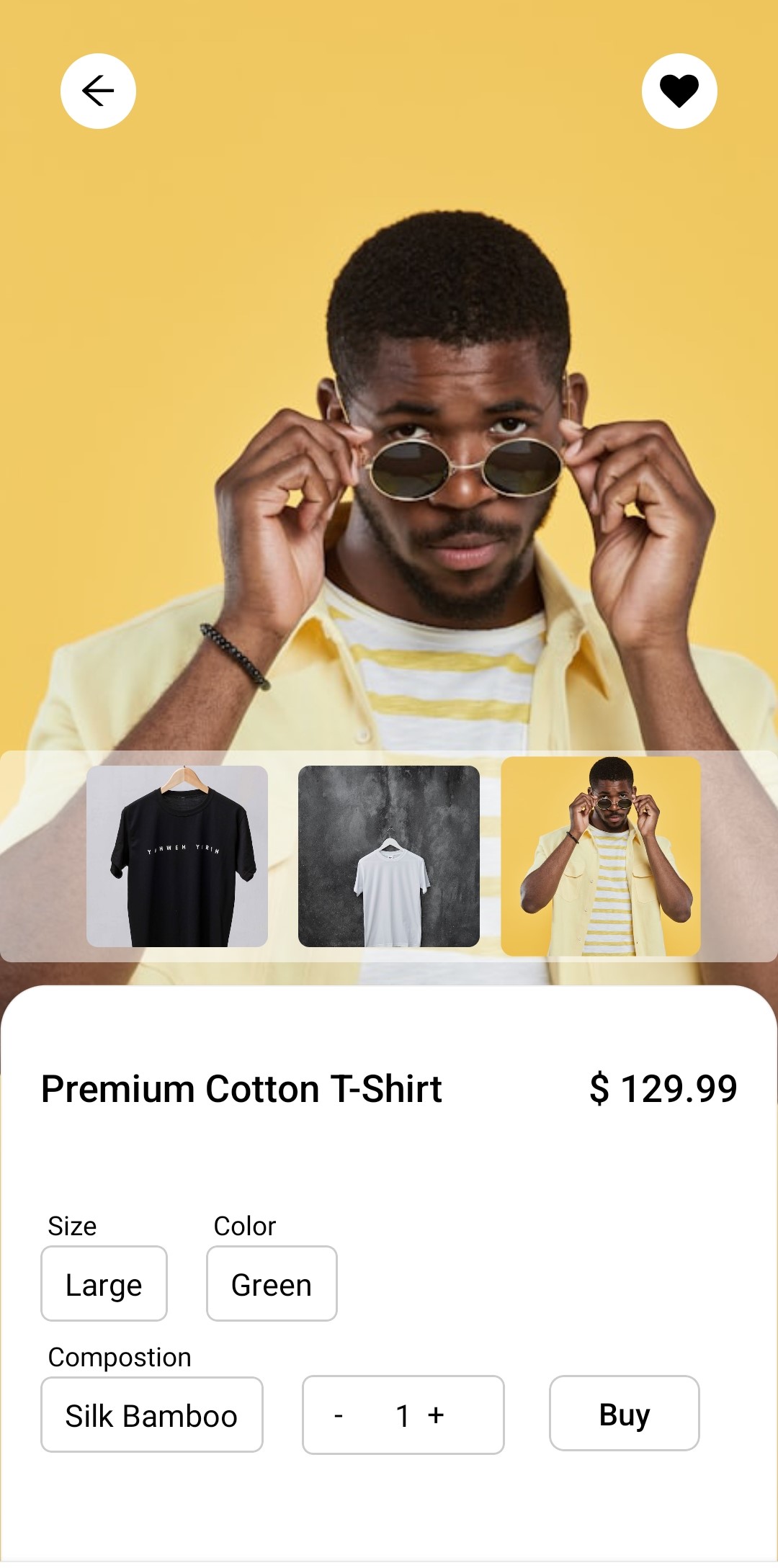
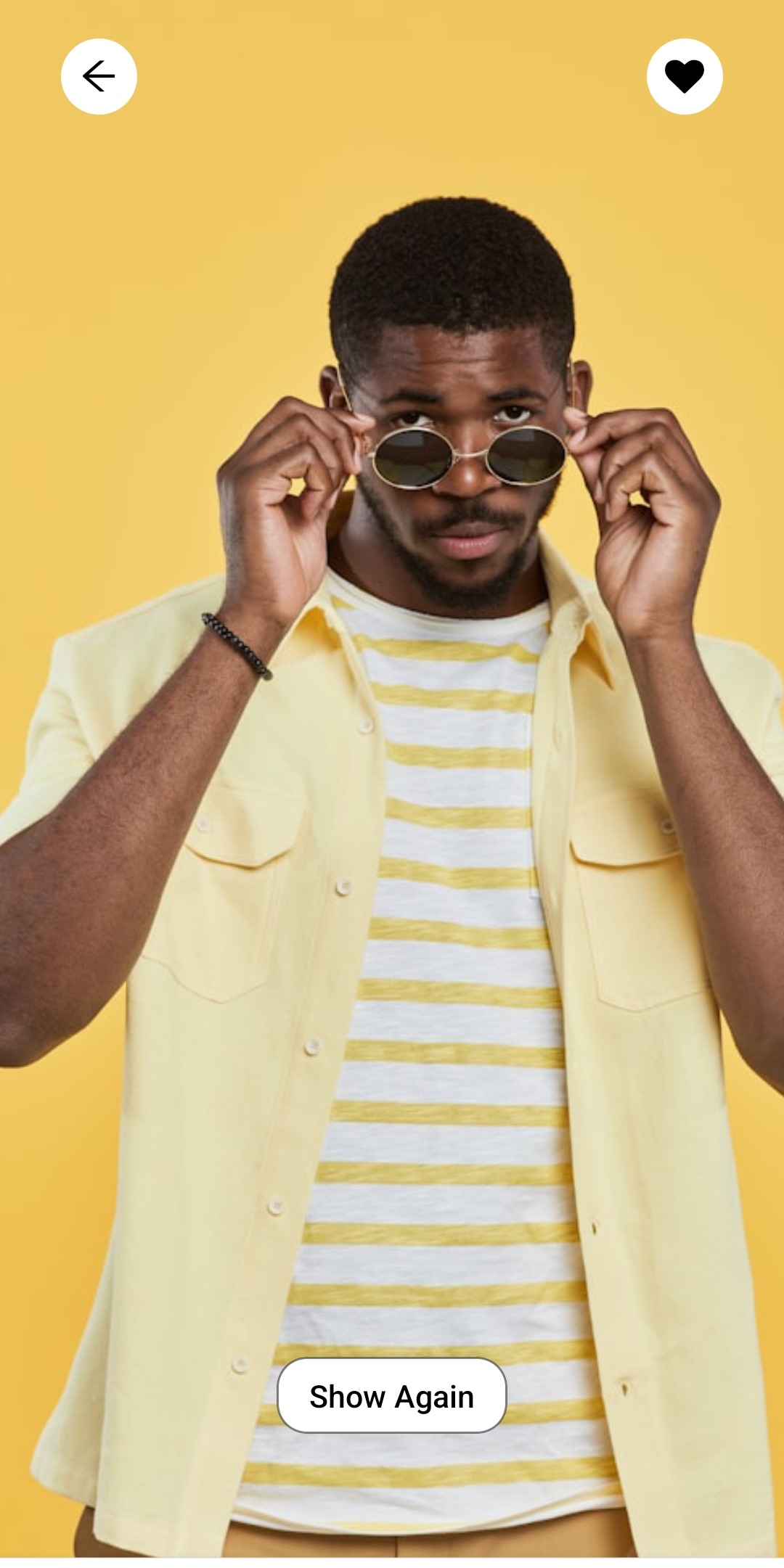
import * as React from "react";
import {
Pressable,
Text,
View,
Image,
Animated as Animation,
PanResponder,
} from "react-native";
import FontAwesome from "react-native-vector-icons/FontAwesome";
import AntDesign from "react-native-vector-icons/AntDesign";
import { Dropdown } from "./dropdown";

type ItemsProps = {
price: number;
itemName: string;
sizeOptions: string[];
colorOptions: string[];
compositionOptions: string[];
imageData: { imgSrc: string }[];
};

type PanContext = {
startY: number;
};

export default ({
price,
itemName,
sizeOptions,
colorOptions,
compositionOptions,
imageData,
}: ItemsProps) => {
const [liked, setLiked] = React.useState<boolean | undefined>(false);
const [image, setImage] = React.useState<string | undefined>(
  imageData[1].imgSrc,
);

const [size, setSize] = React.useState<string>("Large");
const [color, setColor] = React.useState<string>("Green");
const [composition, setComposition] = React.useState("Silk Bamboo");
const [quantity, setQuantity] = React.useState<number>(1);

const [isView, setIsView] = React.useState<boolean>(true);

const [isVisible, setIsVisible] = React.useState<boolean>(true);
const animatedValue = React.useRef(new Animation.Value(0)).current;

const panResponder = React.useRef(
  PanResponder.create({
    onStartShouldSetPanResponder: () => true,
    onMoveShouldSetPanResponder: () => true,
    onPanResponderMove: (evt, { dy }) => {
      if (dy > 0) {
        animatedValue.setValue(dy * 0.7);
      }
    },

    onPanResponderGrant: () => {
      animatedValue.extractOffset(); // Capture current offset for smooth continuation
    },

    onPanResponderRelease: (evt, { dy, vy }) => {
      if (dy > 80 || vy > 0.5) {
        setIsVisible(false);
        Animation.timing(animatedValue, {
          toValue: 500,
          duration: 300,
          useNativeDriver: true,
        }).start();

        setTimeout(() => {
          setIsVisible(true);
        }, 1000);
      } else {
        animatedValue.flattenOffset();
        Animation.spring(animatedValue, {
          toValue: 0,
          useNativeDriver: true,
          bounciness: 8,
        }).start();
      }
    },
  }),
).current;

const resetPosition = () => {

  animatedValue.setValue(0);
  Animation.spring(animatedValue, {
    toValue: 0,
    tension: 300,
    useNativeDriver: true,
  }).start();
  setIsView(true);
};

return (
  <View className="relative w-full h-full">
    <View className="flex flex-row items-center justify-between px-8 mt-10 absolute top-5  w-full z-10">
      <Pressable className="size-10 bg-white rounded-full flex items-center justify-center active:scale-105 ">
        <AntDesign name="arrow-left" size={18} />
      </Pressable>
      <Pressable
        className="size-10 bg-white rounded-full flex items-center justify-center active:scale-105 "
        onPress={() => setLiked((prev) => !prev)}
      >
        <FontAwesome name="heart" size={18} color={liked ? "red" : "black"} />
      </Pressable>
    </View>
    <Image
      source={{ uri: image }}
      className="mx-auto w-full h-full object-bottom "
    />

    <View>
      {/* top part */}

      {isView && (
        <View className="bg-white/50 w-full absolute  bottom-80 mb-3 flex flex-row  gap-4 items-center justify-center py-2 rounded-md ">
          {imageData.map((el, id) => {
            return (
              <View
                className={`size-24  rounded-md overflow-hidden ${image == el.imgSrc ? "scale-110" : "scale-100"}`}
                key={id}
              >
                <Pressable onPress={() => setImage(el.imgSrc)}>
                  <Image
                    source={{ uri: el.imgSrc }}
                    className="w-full h-full"
                  />
                </Pressable>
              </View>
            );
          })}
        </View>
      )}

      {/* bottom part */}

      <Animation.View
        {...panResponder.panHandlers}
        style={{
          transform: [{ translateY: animatedValue }],
        }}
        onResponderStart={() => setIsView(false)}
        className="w-full h-80 bg-white rounded-t-3xl border border-black/5 absolute bottom-0 z-20"
      >
        {/* item name and price */}
        <View className="mx-5 mt-10 mb-5 flex flex-row justify-between items-center">
          <Text className="text-xl font-medium">{itemName}</Text>
          <Text className="text-xl font-medium">{`$ ${price}`}</Text>
        </View>
        {/* item details */}
        <View className="w-80 h-fit pt-5 mx-5 ">
          <View className="flex flex-row gap-5 items-center my-2">
            <Dropdown
              label="Size"
              value={size}
              options={sizeOptions}
              onSelect={setSize}
            />
            <Dropdown
              label="Color"
              value={color}
              options={colorOptions}
              onSelect={setColor}
            />
          </View>

          <View className=" flex flex-row gap-5 items-center  ">
            <Dropdown
              label="Compostion"
              value={composition}
              options={compositionOptions}
              onSelect={setComposition}
            />
            <Pressable className="flex flex-row gap-2 items-center justify-center border border-black/20 px-4 py-2 rounded-md mt-5">
              <Pressable
                className="size-6 "
                onPress={() => {
                  if (quantity > 1) {
                    setQuantity(quantity - 1);
                  }
                }}
              >
                <Text>-</Text>
              </Pressable>
              <Text className="text-center">{quantity}</Text>
              <Pressable
                className="size-6 "
                onPress={() => setQuantity(quantity + 1)}
              >
                <Text>+</Text>
              </Pressable>
            </Pressable>
          </View>
        </View>

        {/* add to cart button */}
        <Pressable className="absolute right-10 bottom-[63px] w-20 border border-black/20 h-fit py-2 rounded-lg active:scale-105 ">
          <Text className=" text-black text-center text-md font-medium m-auto">
            Buy
          </Text>
        </Pressable>
      </Animation.View>
      <View className="absolute bottom-20  w-full z-10">
        <Pressable
          className="py-2 px-4 bg-white w-fit border border-black/50 mx-auto rounded-2xl active:scale-105 "
          onPress={resetPosition}
        >
          <Text className="text-center font-medium">Show Again</Text>
        </Pressable>
      </View>
    </View>
  </View>
);
};
Installation
npx solui@latest add item-cartInstall dependencies
pnpm add nativewind react-native-reanimated@~3.17.4 react-native-safe-area-context@5.4.0 --dev tailwindcss@^3.4.17 prettier-plugin-tailwindcss@^0.5.11 react-native-vector-icons Copy the code
Copy the code from the Code tab above into components/ui/item-cart.tsx.
Update imports
Update the imports to match your project structure.
Usage
import ItemCart from '@/components/ui/item-cart';

export default function InfoBadgeDemo() {
  return <ItemCart
                price={dummyData.price}
                itemName={dummyData.itemName}
                sizeOptions={dummyData.sizeOptions}
                colorOptions={dummyData.colorOptions}
                compositionOptions={dummyData.compositionOptions}
                imageData={dummyData.imageData}
            />;
}
Props
| Prop Name | Type | Default | Description |
|---|---|---|---|
| price | number | 230 | Price of the item |
| itemName | string | Printed Shirt | Name of the item |
| sizeOptions | string [] | Large | Size of the item |
| compositionOptions | string [] | Silk Bamboo | composition of the item |
| colorOptions | string [] | Green | Color of the item |
| imageData | {imgSrc: string []} | - | images of the item |