Components
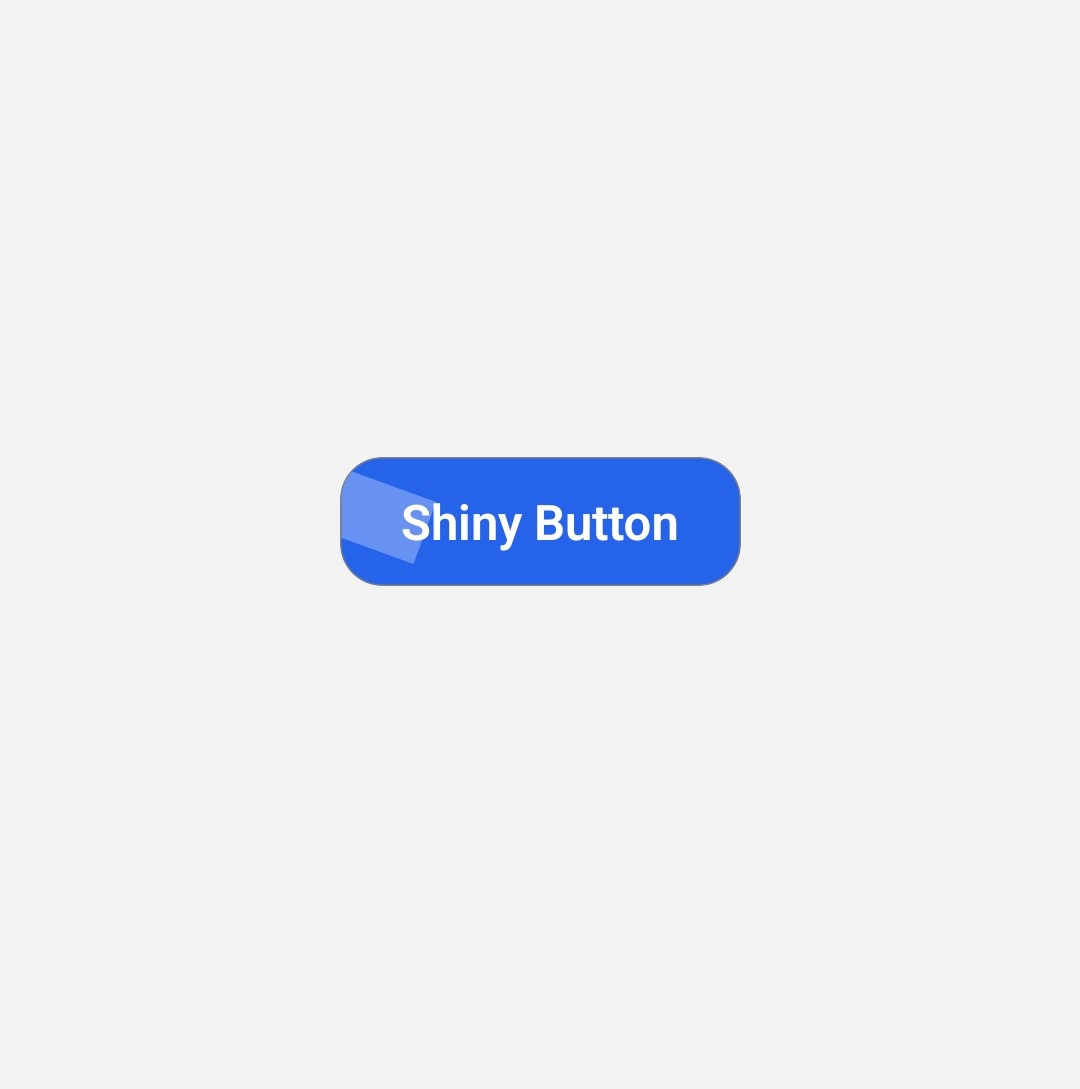
import {  Text, View , StyleSheet } from "react-native"
import {Button} from "../ui/button"
import React from "react"

export const ShinyButton = ({title = "Shiny Button" } : {title: string}) =>{
  return(
    <Button style={style.button}>
      <Text style={style.text}>
          {title}
      </Text>
      <View style={style.shine}/>
    </Button>
  )
}


const style = StyleSheet.create({

  button:{
      position: "relative",
      backgroundColor: "#2563eb",
      paddingVertical: 14,
      paddingHorizontal: 28,
      borderRadius: 14,
      overflow:"hidden",
      alignItems:"center"
  },

  text:{
      color:"#fff",
      fontWeight: "600",
      fontSize: 16
  },
  shine:{
      position:"absolute",
      top:0,
      left: -50,
      width: 80,
      height: "100%",
      backgroundColor: "rgba(255,255,255,0.3)",
      transform:[{
          rotate:"20deg"
      }]
  }
})
Installation
npx solui@latest add button5Install dependencies
pnpm add nativewind react-native-reanimated@~3.17.4 react-native-safe-area-context@5.4.0 --dev tailwindcss@^3.4.17 prettier-plugin-tailwindcss@^0.5.11 react-native-vector-icons Copy the code
Copy the code from the Code tab above into components/ui/button.tsx .
Update imports
Update the imports to match your project structure.
Usage
Simple button
import { SimpleButton } from '@/components/ui/button1';

export default function SimpleButtonDemo() {
    return  <SimpleButton title="click me"/>
}npx solui@latest add button1Button with logo
import { ButtonWithLogo  } from '@/components/ui/button2';

export default function ButtonWithLogoDemo() {
    return  <ButtonWithLogo title="solUI" imgSrc="your-img"/>
}npx solui@latest add button2Button with Icon
import { ButtonWithIcon  } from '@/components/ui/button3';

export default function ButtonWithIconDemo() {
    return  <ButtonWithIcon title="Enter" icon={<yourIcon/>}/>
}npx solui@latest add button3Combo Buttons
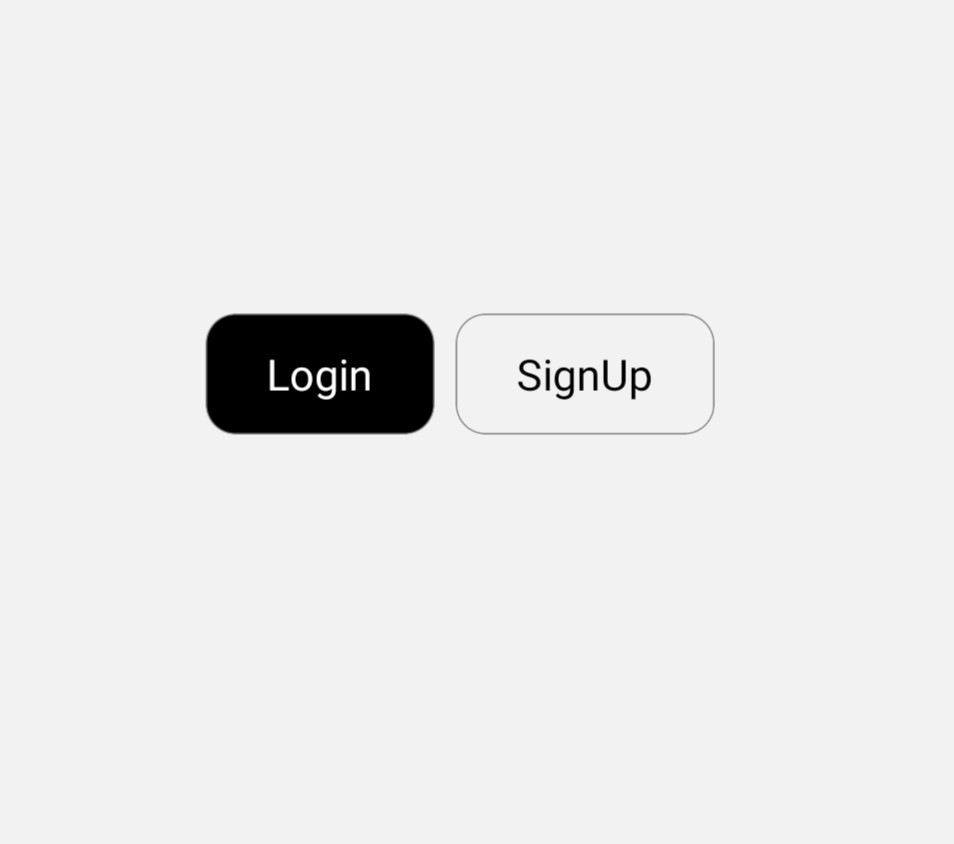
import { ComboButton } from '@/components/ui/button4';

export default function ButtonWithLogoDemo() {
    return  <ComboButton  title1="Login" title2="SignUp"/>
}npx solui@latest add button4