Components
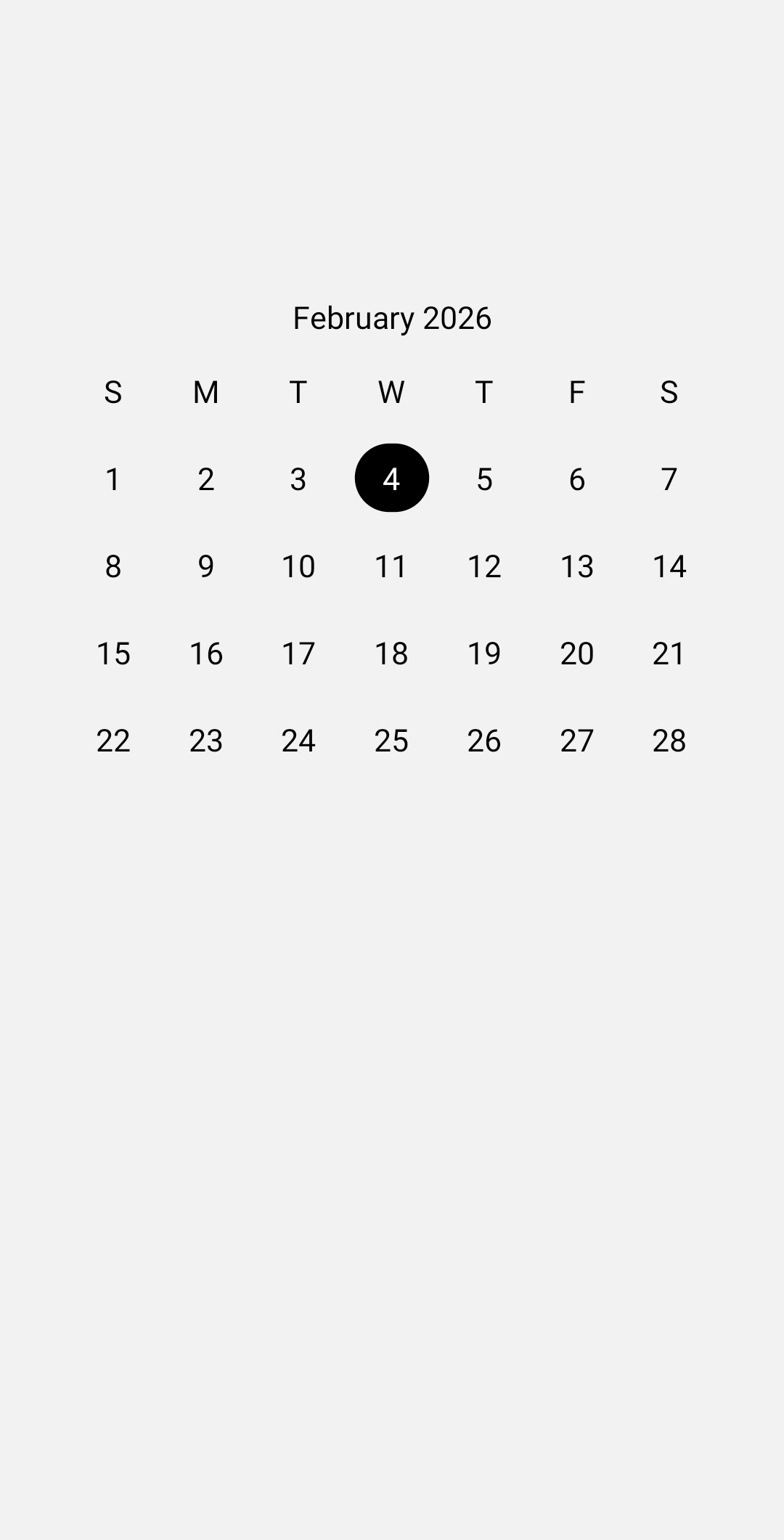
import { Calendar, toDateId, useDateRange } from "@marceloterreiro/flash-calendar";
import { View } from "react-native";
import * as React from "react";

type CalendarProps = {
selectedDateDefault?: string;
};

const today = toDateId(new Date());

export const CalendarUI = ({ selectedDateDefault = today }: CalendarProps) => {
const [selectedDate, setSelectDate] = React.useState(selectedDateDefault);
return (
  <View
    style={{
      marginTop: 40,
    }}
  >
    <Calendar
      calendarActiveDateRanges={[
        {
          startId: selectedDate,
          endId: selectedDate,
        },
      ]}
      calendarMonthId={today}
      onCalendarDayPress={setSelectDate}
    />
  </View>
);
};
Installation
npx solui@latest add calendarInstall dependencies
pnpm add nativewind react-native-reanimated@~3.17.4 react-native-safe-area-context@5.4.0 --dev tailwindcss@^3.4.17 prettier-plugin-tailwindcss@^0.5.11 react-native-vector-icons Copy the code
Copy the code from the Code tab above into components/ui/calendar.tsx .
Update imports
Update the imports to match your project structure.
Usage
import { CalendarUI } from "@/components/ui/calendar";

export const BasicCalendar = () => {
  return  <CalendarUI />
};
Props
| Prop Name | Type | Default | Description |
|---|---|---|---|
| selectedDateDefault | string | today date | Getting date from user |